

What you get
Six reasons people try it. Open a card if you want a little more.
Reviewed before you sendMoreCloseYour message is checked in the browser, before it goes anywhere. Files are checked the same way when you add them.
What gets saved is the version you reviewed. The review is a best effort, so a detail it does not recognize can still remain.
A place for each kind of workMoreCloseKeep a client, a project, or a team in its own workspace. Chat, files, and notes stay with the one you have open.
Someone on your team adds people, connects the models, and can set a monthly spending limit. A search in one workspace does not look through another.
A model that fits the messageMoreCloseA short question can use a lighter model. A harder one can use a stronger model. You choose which model each level uses.
The levels are Max, Plus, Standard, Light, and Micro. Prefer one model for every message? You can set that too.
See what a reply costsMoreCloseEvery answer shows an estimated cost, right next to the chat. You can compare it with what those same replies would have cost on the most expensive setting.
A model on your own computer shows as zero. The number tends to run a little high. It is an estimate, not your cloud bill.
The numbers, beside the chatMoreCloseSee how much you have used, what it cost, and what the review caught, without leaving the conversation.
Open the full page when you want the detail. A team lead can look at the same view for one person. The record shows the kind of detail found, not the text itself.
Answers you can checkMoreCloseWhen an answer uses your files, it shows you the passage. A simple hello does not pretend it came from a document.
It also remembers things you wrote. You can correct one, keep it, or let it go. Replies from the assistant are not saved as facts about you.
How a chat works
You write it, you review it, a model is chosen, you get an answer, and you can see what it cost.
Write
You write in a workspace made for that work. Its chat, files, and notes stay there.
Review
The message is reviewed before it leaves your browser. A file is reviewed when you add it.
Choose
A lighter or stronger model is picked for the message, unless you have chosen one model for everything.
Answer
If your files were used, you see the passage. If they were not, no source is invented.
See
Usage, estimated cost, and what the review caught stay beside the chat.
A closer look
Four views of the product. They play on their own, and you can step through them.
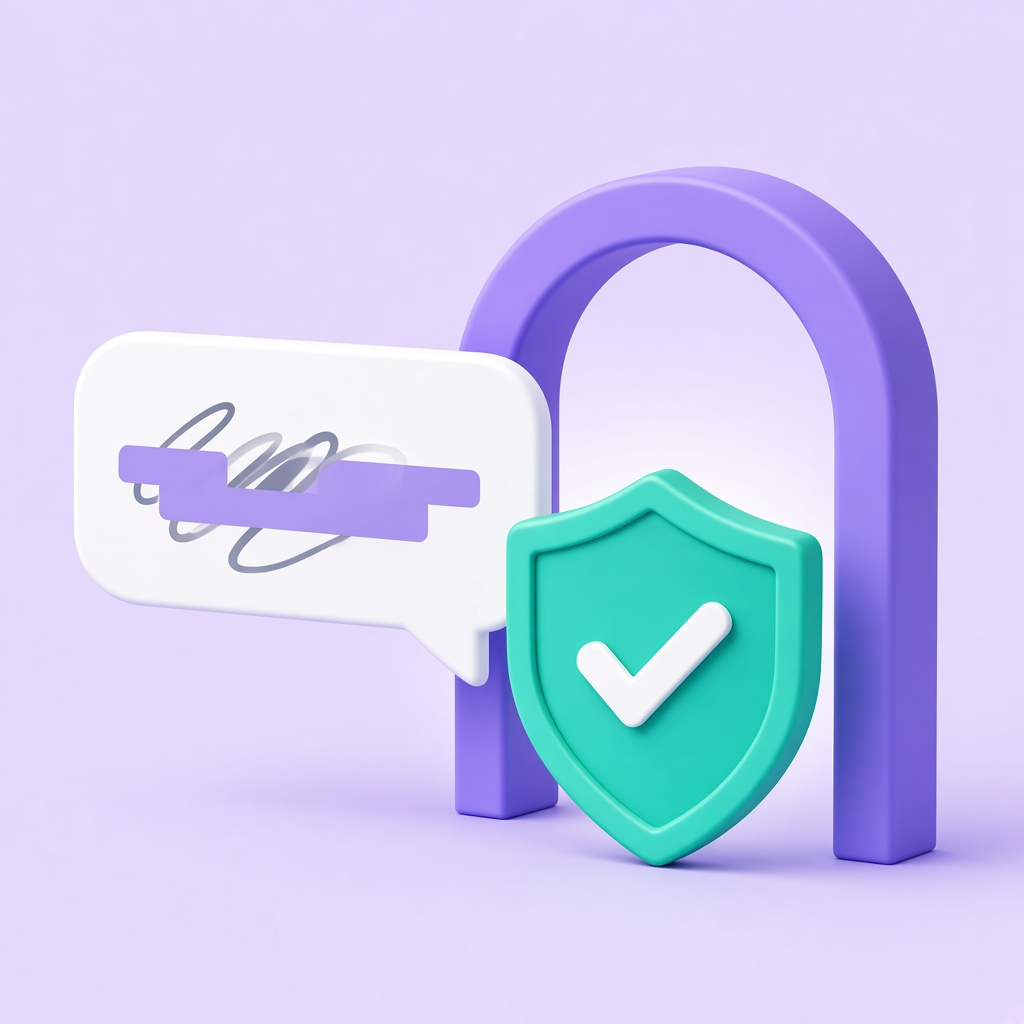
Before it leaves
Reviewed before you send
Your message is checked in the browser, before it goes anywhere. Files are checked when you add them. Sensitive details the review finds are redacted. The review is a best effort, so a detail it does not recognize can still remain.